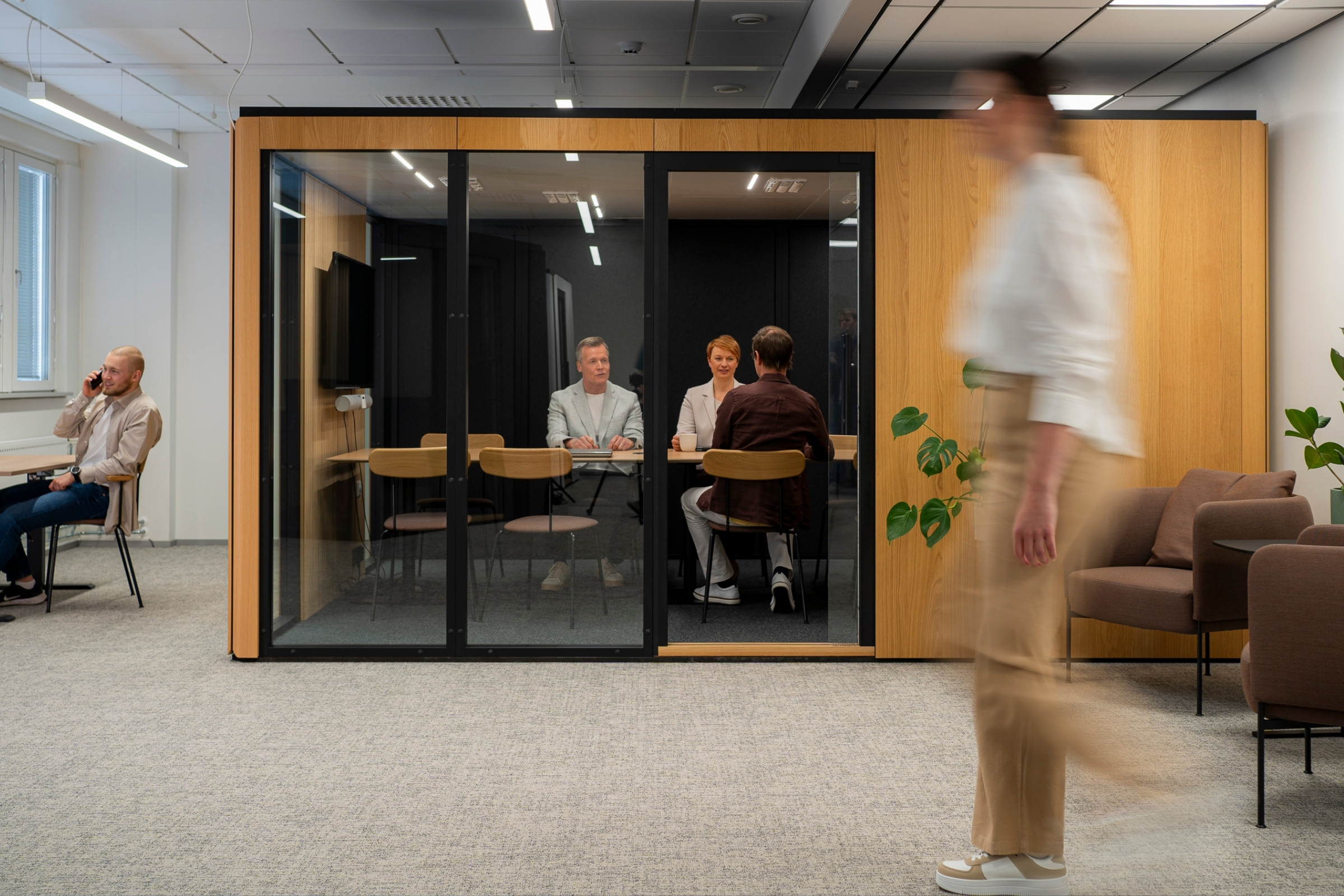
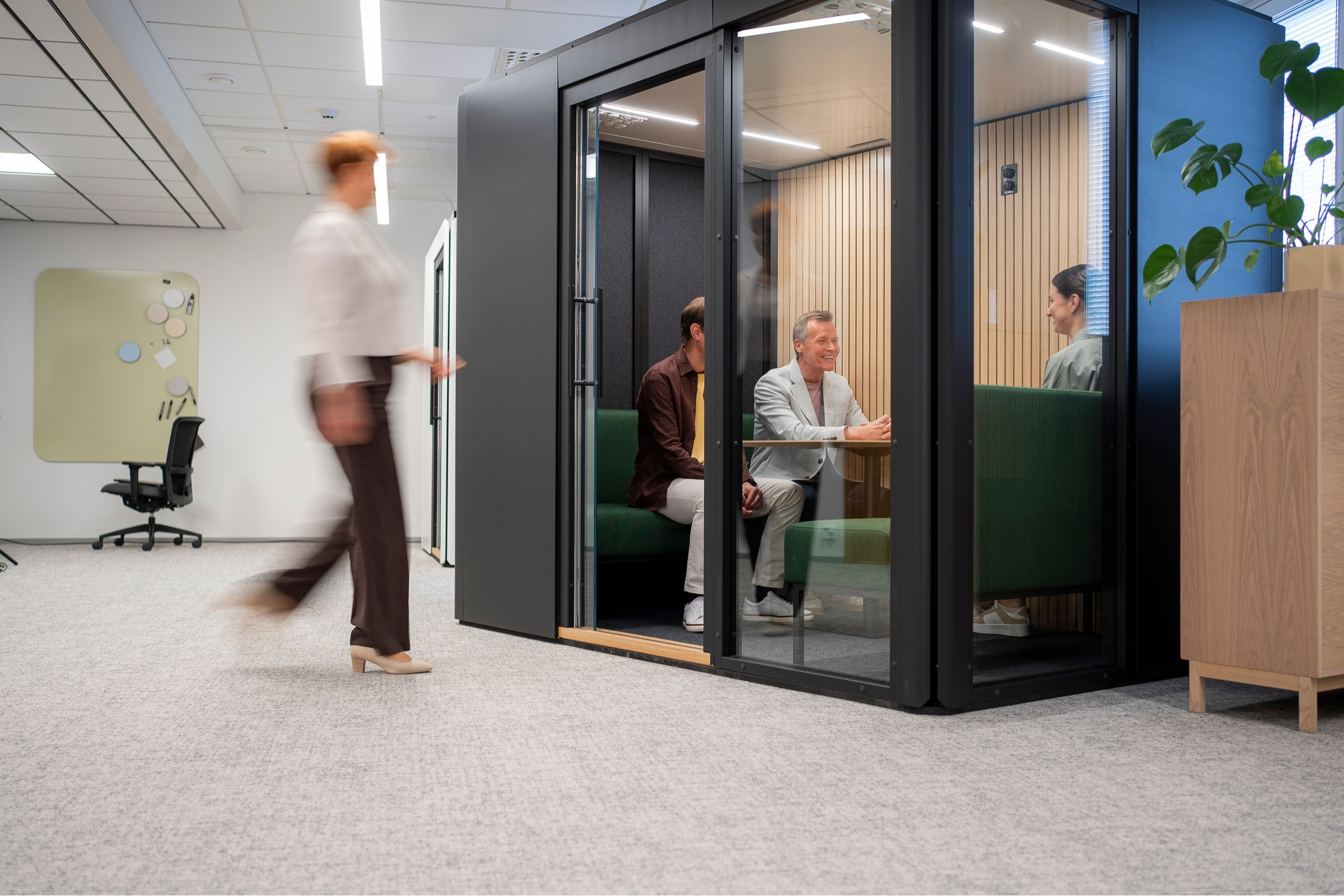
A dynamic Archicad object makes planning soundproof rooms faster and easier
Blog
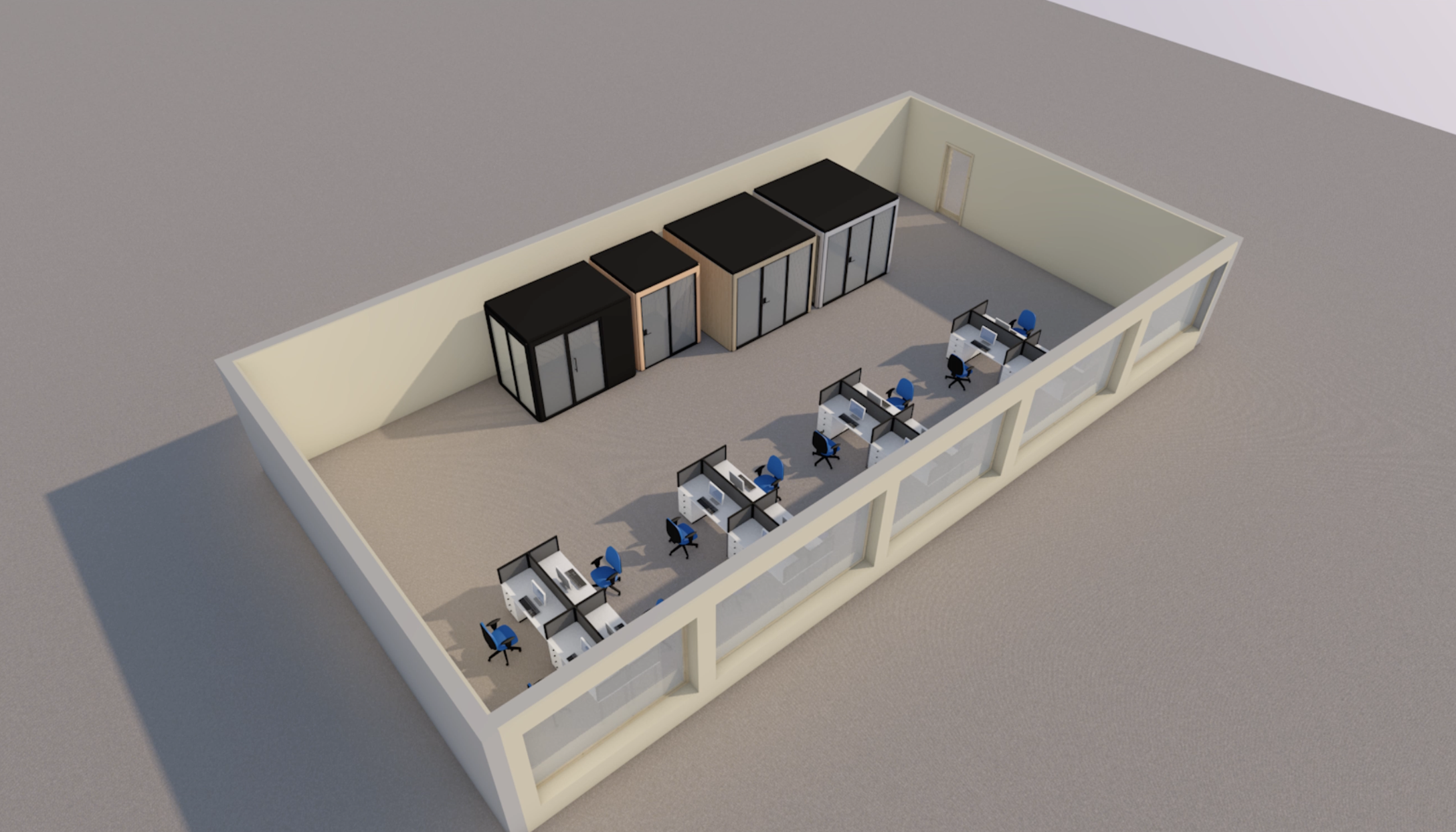
Workplace design is becoming faster and more flexible. Spaces need to adapt to different uses, changing team sizes and acoustic needs without heavy structural changes. At the same time, designers are expected to compare options quickly, keep models clear and move projects forward efficiently. A dynamic Archicad object makes this process faster and easier to manage.
This is where the usability of BIM objects starts to make a real difference.
Octacell has developed a dynamic Archicad object that makes it easier to plan and adapt soundproof rooms within office layouts in Archicad. Instead of switching between separate object versions, designers can adjust the room size, door placement and glass wall positions within the same object.
In practice, this makes it easier to test different sizes and layouts, update the office plan and manage room options throughout the project without rebuilding the model every time something changes.
How does a dynamic Archicad object work?
Many architects and designers know the problem. Each product size or variation often comes as its own BIM object. When there are many options, object management quickly becomes slow and unnecessarily complicated.
Octacell’s object works differently.
The same Archicad object can be adjusted to suit the needs of the project. Designers can make the room larger or smaller, choose wall types and adjust key details without changing the object or modeling each alternative from scratch.
The room size can be changed by dragging the corner of the object. Wall types can be selected directly in the object settings in Archicad.
With the object, designers can, for example:
- choose the size of the soundproof room from more than 40 options
- adjust the room size in the floor plan
- change door type, number and placement
- add glass walls to different sides
- edit materials and colors
This is especially helpful in the early stages of a project, when different layouts are still being compared and the plan is expected to evolve.
Octacell’s configuration tool can also help with early comparisons of room types, sizes, colors and accessories before the room is added to a project.
A faster way to test space options and update plans
In workplace projects, plans rarely stay exactly the same from start to finish. A client may need more privacy, a larger meeting room or a better acoustic solution for an open office.
Traditionally, these changes can mean finding new objects, building alternative models or keeping several versions up to date at the same time.
With a dynamic Archicad object, the designer can make the changes in the existing plan. The room can be enlarged by dragging the corner of the object, and the object adjusts to the next standard Octacell size. The door and glass walls can be repositioned with just a few clicks.
For the designer, this means several room options can be tested in the same workflow. The model stays easier to manage, even when the layout changes during the project.
One object, several workplace uses
One of the main advantages of the dynamic object is that it can support many different workplace needs. There is no need to manage a separate BIM object for every room type or layout variation.
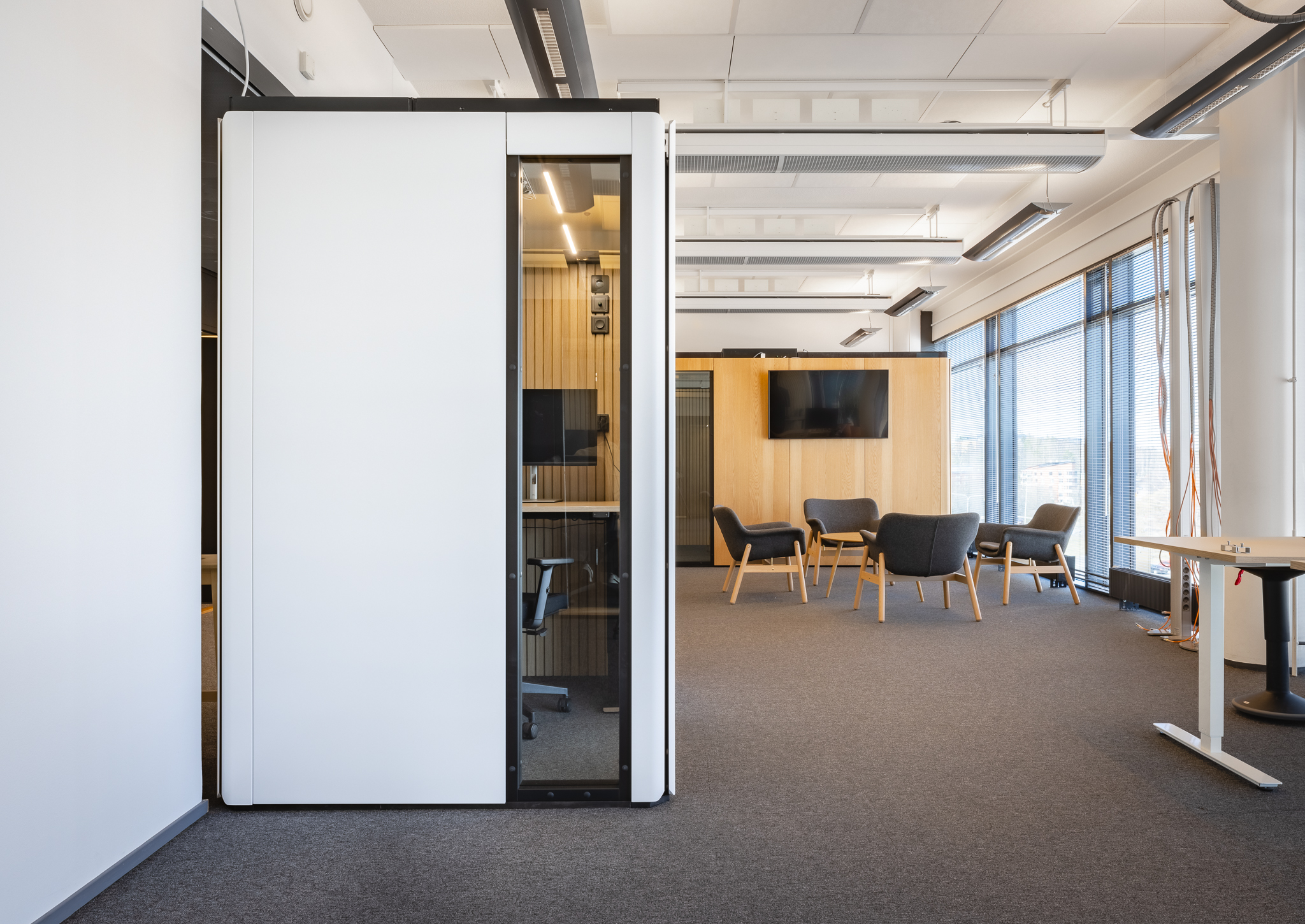
The object can be used to plan, for example:
- phone booths
- meeting rooms
- rooms for focused work
- quiet spaces for hybrid offices
- customer service rooms
- rooms for confidential conversations
In larger office projects, this keeps the model cleaner and the planning work easier to control, especially when several acoustic spaces are part of the same layout.
For a broader overview of choosing the right office pod, read Octacell’s office pod buyer’s guide.
Door options and placement inside the object
The object allows up to two doors to be defined for the room, depending on how the space will be used.
The available options include:
- sliding door
- hinged swing door
- accessible swing door
Door swing direction can also be defined inside the object.
This is useful when the room’s position changes in relation to walkways, corridors or nearby furniture. Accessibility can be considered already in the concept phase, without creating or replacing separate object alternatives.
For a broader overview of choosing the right office pod, read Octacell’s office pod buyer’s guide.
Glass wall placement affects both acoustics and the feel of the room
In workplace design, acoustics are important. So is the sense of openness.
Glass wall placement helps balance privacy, visibility, natural light and acoustic protection according to the needs of the project.
Glass walls can be placed on different sides depending on whether the room should feel like an open part of the office or a more private retreat. Flexible placement also helps avoid situations where a glass wall ends up facing a solid building wall simply because the door needs to be positioned on a certain side.
In an Octacell room, the door and glass walls can be positioned freely.
This gives designers a practical way to assess how the amount of glass affects openness, the privacy of conversations and the acoustic performance of the room.
Material options help the room fit into the architecture
Soundproof workspaces should not feel like separate elements placed in the middle of an interior.
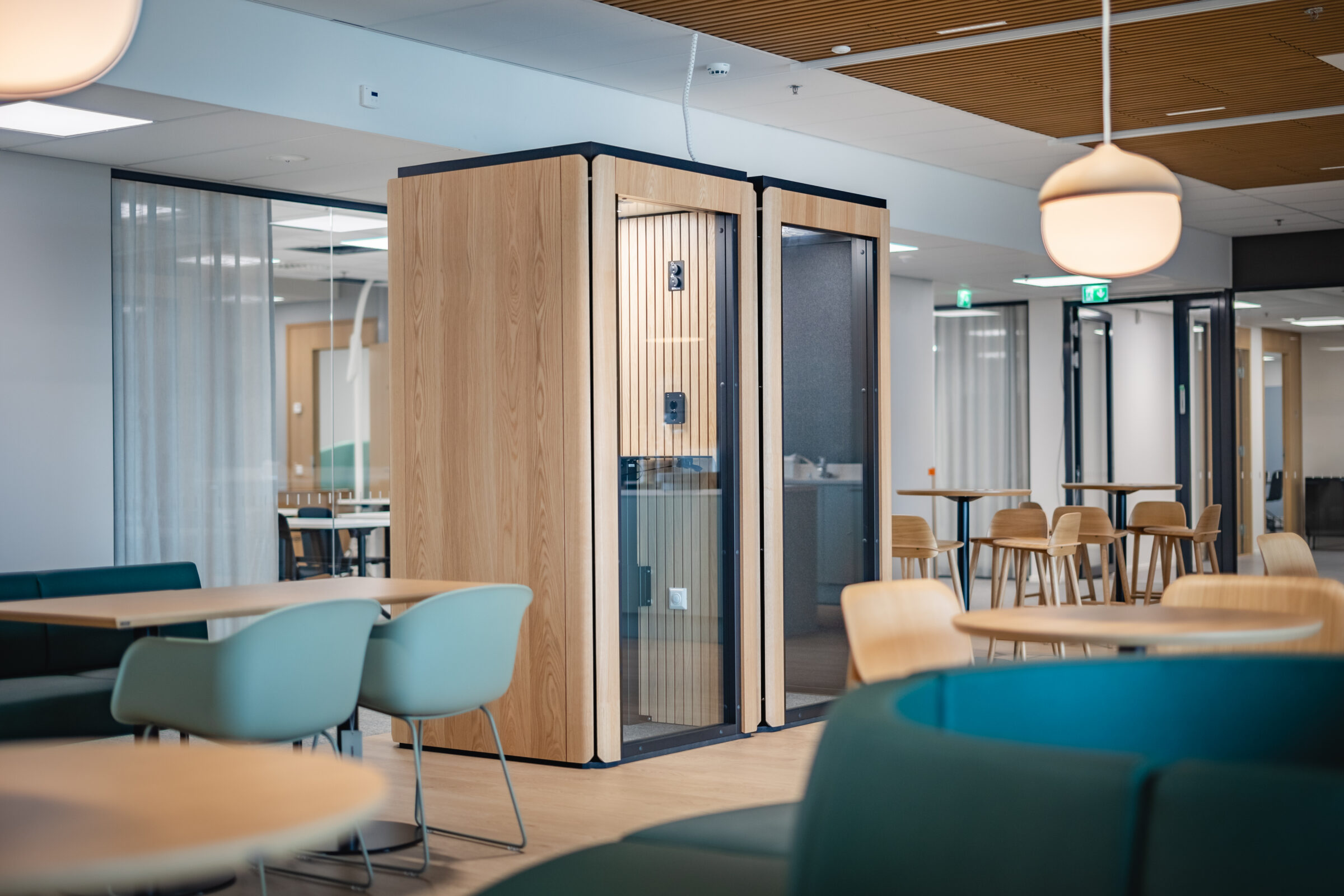
In the object, both interior and exterior materials can be defined according to the look and feel of the project.
The available options include acoustic wall surfaces, white oak slat panels, painted surfaces in different colors and oak veneer exterior finishes.
This supports early visualization and helps designers coordinate the room with the surrounding architecture, materials and interior concept.
A dynamic object supports changing workplace needs
In many modern offices, space needs change continuously. The same office area may serve different users in different ways within just a few years.
That is why flexibility needs to be considered already in the planning phase.
Octacell’s dynamic Archicad object supports this approach by making different room solutions easier to test. When size, layout, door placement and glass walls can be adjusted in one object, future changes are easier to consider early on.
The design phase does not need to rely on unnecessary compromises. A scalable soundproof Octacell room and a flexible design object make it easier to plan spaces that can adapt when needs change.
The result is a smoother planning process and clearer option comparison for both the design team and the client.
Who is Octacell’s Archicad object for?
The object is designed especially for:
- architects
- interior architects
- BIM designers
- workplace designers
- workplace development specialists
- project managers and property developers
It is useful from early concept design through to more detailed design development.
Download the dynamic Archicad object for Archicad
You can find Octacell’s dynamic Archicad object in the Downloads section of our website, together with other BIM objects, technical information, product brochures, accessories and material options.
Need help with space planning?
We help architects, designers and workplace developers find soundproof room solutions that fit the project, the architecture and the way the space will be used.
Get in touch and let’s plan a quieter, more functional and more flexible workplace together.
Download Octacell’s dynamic Archicad object
Frequently asked questions
What is a dynamic Archicad object?
A dynamic Archicad object is a BIM object that can be adjusted within the plan. Instead of switching between separate object files for different sizes or variations, the designer can modify one object according to the needs of the project.
In Octacell’s Archicad object, the room size, wall types, door placement and glass wall placement can all be edited in the model.
How is a dynamic Archicad object different from separate BIM objects?
With separate BIM objects, each size or product variation is usually managed as its own file. This can make the model harder to update when plans change.
A dynamic object keeps several options inside one object. It helps designers test different room sizes and layouts faster while keeping the plan easier to manage.
Can I change the size of the soundproof room directly in Archicad?
Yes. The size of the Octacell room can be adjusted in the floor plan by dragging the object. The object then moves to the next standard Octacell size.
This makes it easier to compare room sizes during concept design, layout planning and later project updates.
Can the door and glass walls be moved in the Archicad object?
Yes. The door and glass walls can be placed on different sides of the room inside the same object.
This helps when the room needs to fit around walkways, corridors, fixed walls or surrounding furniture. It also makes it easier to test different levels of openness, privacy and visibility.
Can the object be used for both concept design and detailed planning?
Yes. The object is especially useful in the concept phase, where different alternatives are compared quickly. Because it is based on Octacell’s actual standard dimensions and structures, it can also support more detailed planning.
Does the number of glass walls affect the room’s acoustics?
Yes. The number and placement of glass walls affect the room’s internal acoustics, so they should always be reviewed case by case.
The recommended number is usually 1 to 4 glass walls, depending on the room size. This helps keep the feeling of openness and the acoustic performance in balance.
If needed, Octacell’s specialists can help define the glass wall setup based on experience from hundreds of projects.
Where can I download Octacell’s Archicad object?
You can download Octacell’s dynamic Archicad object from the Downloads section of Octacell’s website.
The same page also includes BIM objects for other design software, technical information, product brochures, accessories and material options.